Building an all in-one freelancer toolkit on Bubble 🥷
This is how Sylvain Naessens, a freelance product designer, used his own experience and no-code knowledge to build a solution that helps other designers get more done in less time. 🙌
"I discovered the world of product design while launching my first startup, and less than one year ago I started to learn no-code.
I began first with Airtable, then Webflow, and finally Bubble.
As a freelancer, you’re often bombarded with tedious tasks that keep you from focusing on what you love to do — like invoicing, income and project tracking, rate setting, etc.
I built a toolkit for myself to help solve this issue. Then a few months ago, I decided to share it with other freelance designers to help them become more productive and grow their business."
Introducing Ninja Designer
"I called this toolkit Ninja Designer, an all-in-one toolkit for freelance designers. It's a niche I knew pretty well!
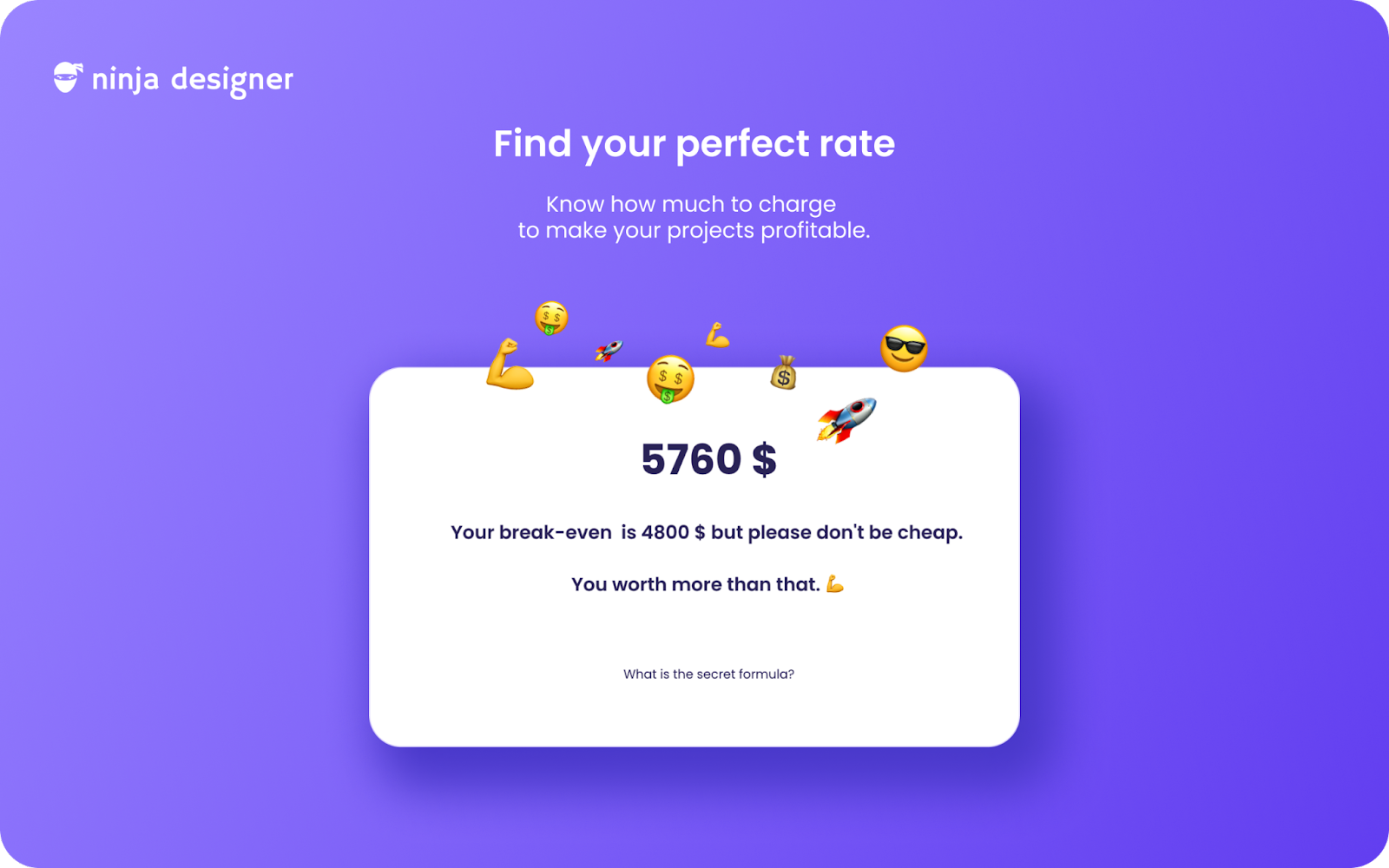
Ninja Designer provides a single place where you can find all the tools you need for your freelance design business. From invoicing, to project management, rate calculator and more.
It's the first no-code SaaS I've ever built.
At the moment, 150+ beta testers are using Ninja Designer. I plan to release more features in the next months, like a job board and an image search engine."
Building with Bubble
"I used Bubble to build Ninja Designer. I chose Bubble because I think it's the best no-code tool to launch SaaS products.
I'm not gonna lie to you, Bubble has a learning curve, and it's the reason why communities such as Makerpad or the Bubble Forum are very helpful.
Here's the approach that I used to build Ninja Designer:
- I listed all the core features I needed: login, signup, invoicing, to do lists and more
- I used Makerpad's app clone tutorials like Airbnb and Instagram to better understand Bubble and its logic
- I went through all the available tutorials on Bubble blog that were relevant to the features that I needed to develop for my app. For example this tutorial to build a Quickbooks clone.
Challenge 1: Getting the architecture right
"When you build a SaaS app, you build what we call a single page app: one sidebar menu, one header, one content area.
With Bubble you can build this type of app in two ways: one single page app architecture or a multi-page app that fakes a single page navigation.
I chose the single page architecture for performance and UX benefits. But in Bubble, with a single page app you put all your designs and workflows in one page and at the end it can be a REAL MESS.
You often end up spending hours to understand how your app is organized.
If I had to do it again, I would definitely choose the multi-page architecture, so each core feature will have its own page with its own designs and workflows."
Challenge 2: Marketing
"Marketing takes time and a lot of effort! I'm not full-time on Ninja Designer, so I have to focus on just a few channels. Slack has been my best acquisition channel so far.
Here’s what I’ve found: to get your first users you must have a simple acquisition strategy. What are your quick wins? Where can you quickly get access to your target? I didn’t have time to do detailed SEO which is why I put content marketing aside and focused on Slack.
I used the “small ask” trick. Instead of being spammy I just asked if freelance designers on Slack could complete a quick survey in order to understand their pains.
In the survey I asked them if they wanted to sign up for the beta for free. And guess what? I got more than 150 signups!"
Thanks for reading. If you liked this, I share real no-code stories every week in the Makerpad newsletter. Join 16,000 others, it's free!
Cheers ✌️

👋 Any questions on Sylvain's story I'm here in the comments. You can follow him on Twitter too: https://twitter.com/sylvainnaessens