Checkget AI - Use GPT-4 onany website or softwareby clicking Cmd/Alt+K🚀
Hey everyone!👋
I'm Louis, an indie hacker.
Checkget AI is a browser extension powered by GPT-4. It allows you to translate, reply to emails, write tweets, generate code, and more without the need to copy and paste. Simply hold down Cmd/Alt+K to access these features.
The origin of Checkget AI can be traced back to some problems I encountered when using ChatGPT, such as regional restrictions and having to copy and paste every time.
I started to develop Checkget AI, and my initial solution was to interact with OpenAI cookies through the permission provided by the browser extension, but due to the frequent need for authentication and the fact that ChatGPT blocked some regions, I couldn't achieve the desired effect, so I could only use it for myself and couldn't launch it.
On March 1, OpenAI released the ChatGPT API, and Checkget AI was born!
🔥 Simply press Cmd/Alt + K for any website
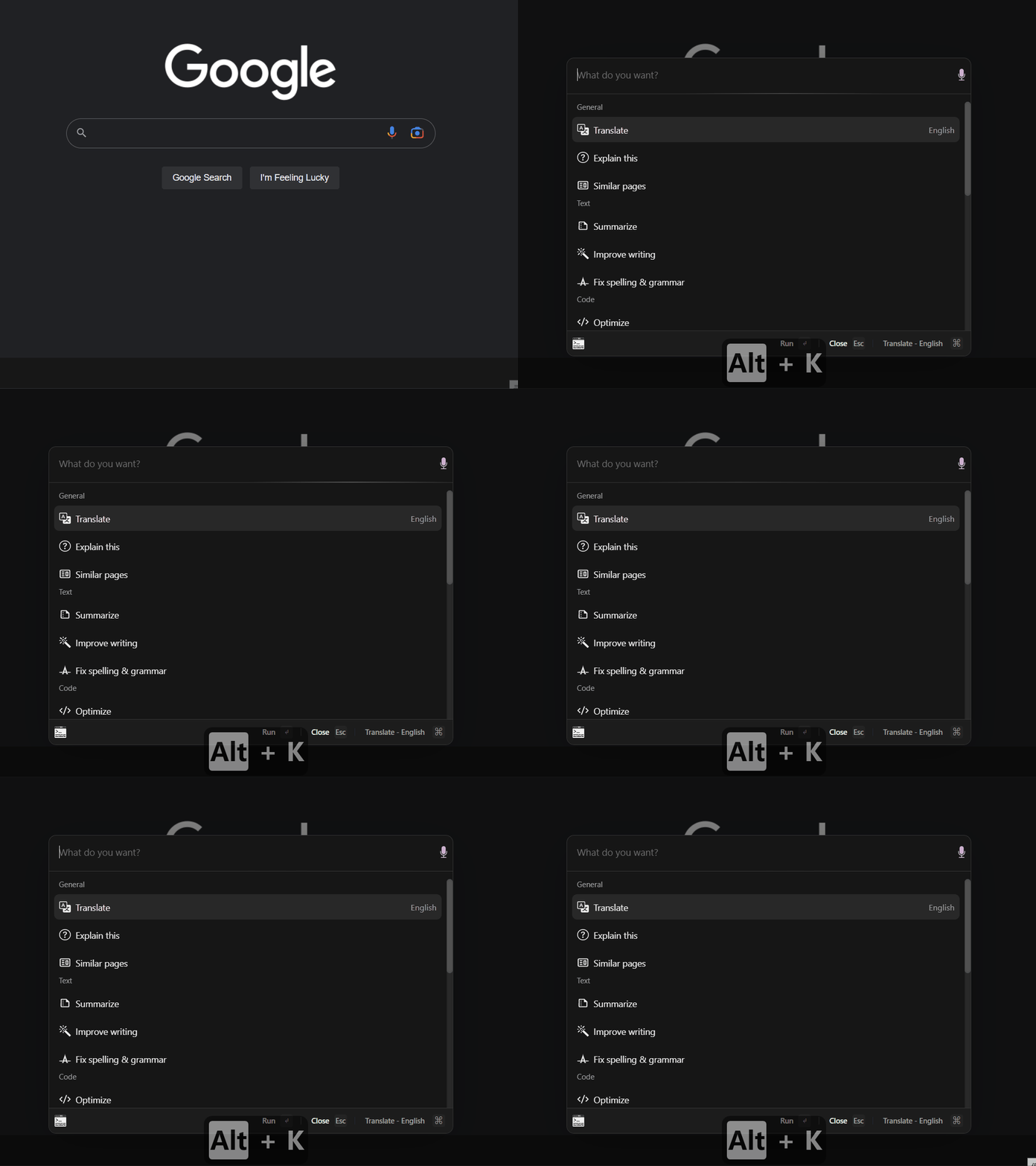
📝 Select text and simply press Cmd/Alt + K for any website
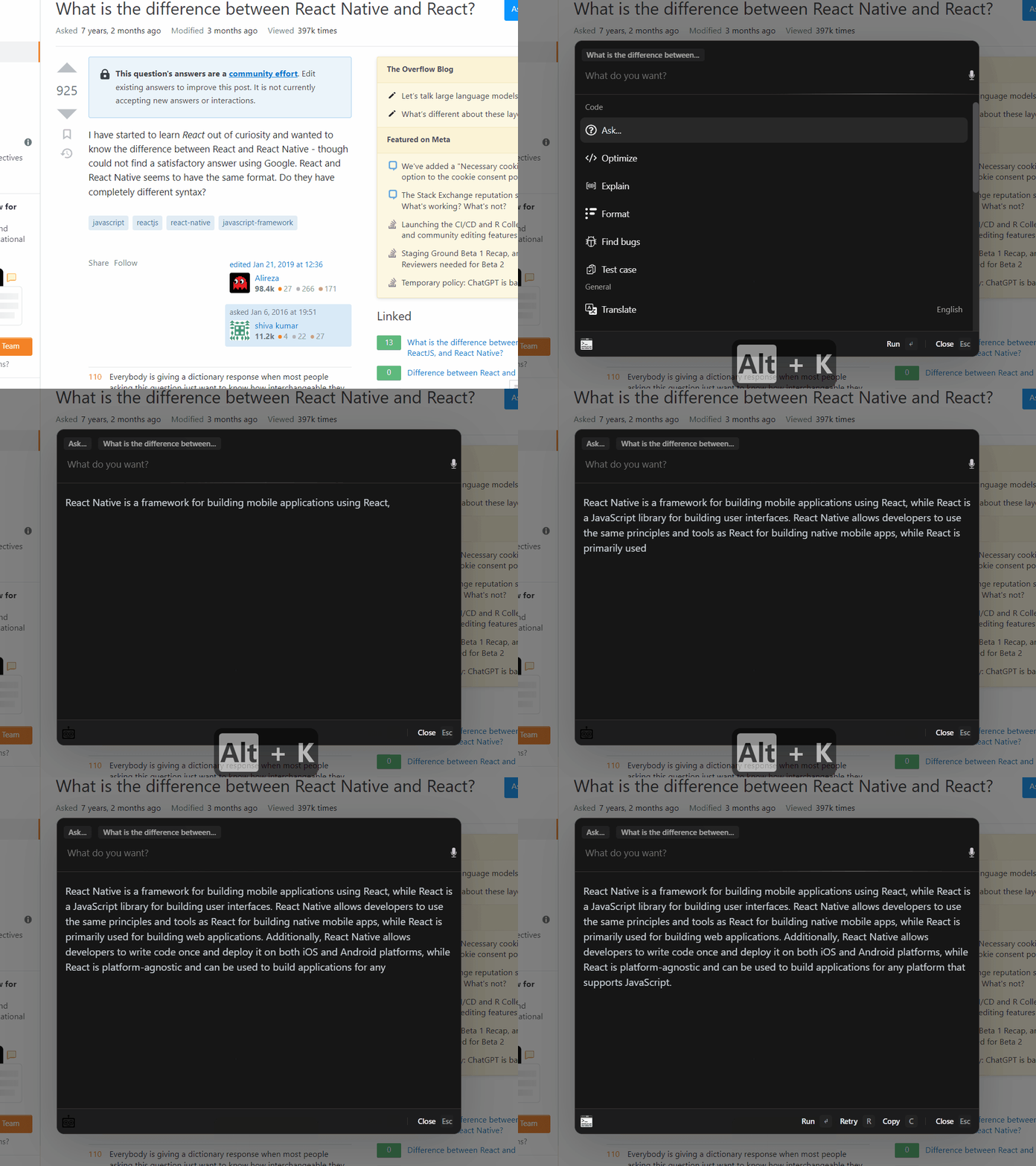
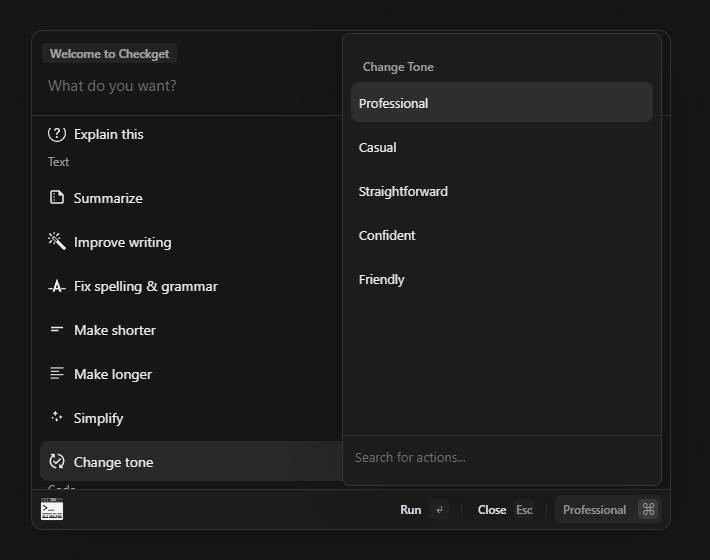
💻Simply press Cmd/Alt + Shift + K for any software
You need to set the Checkget AI shortcut scope to "Global" in chrome://extensions/shortcuts

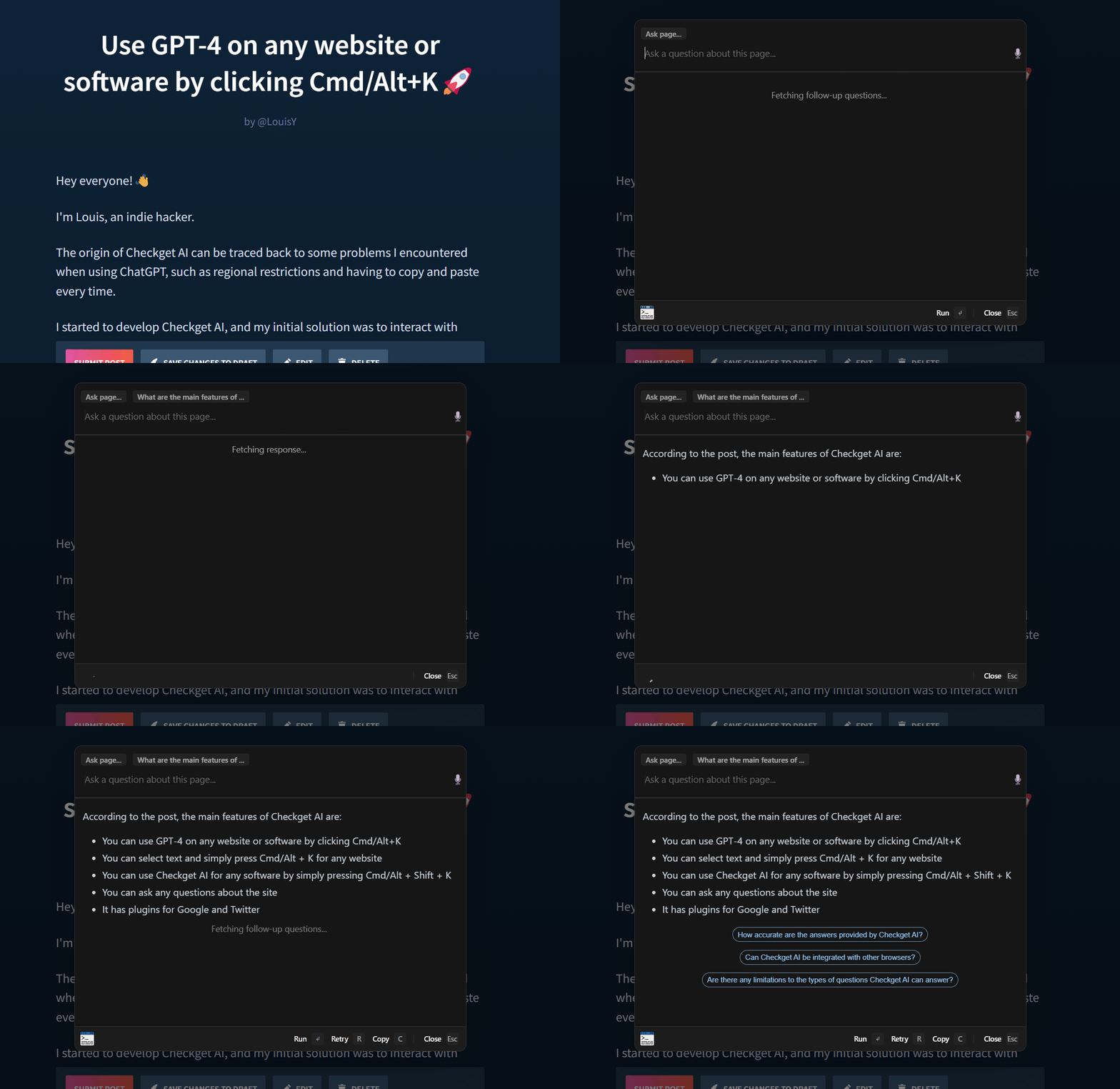
❓Ask any questions about the site
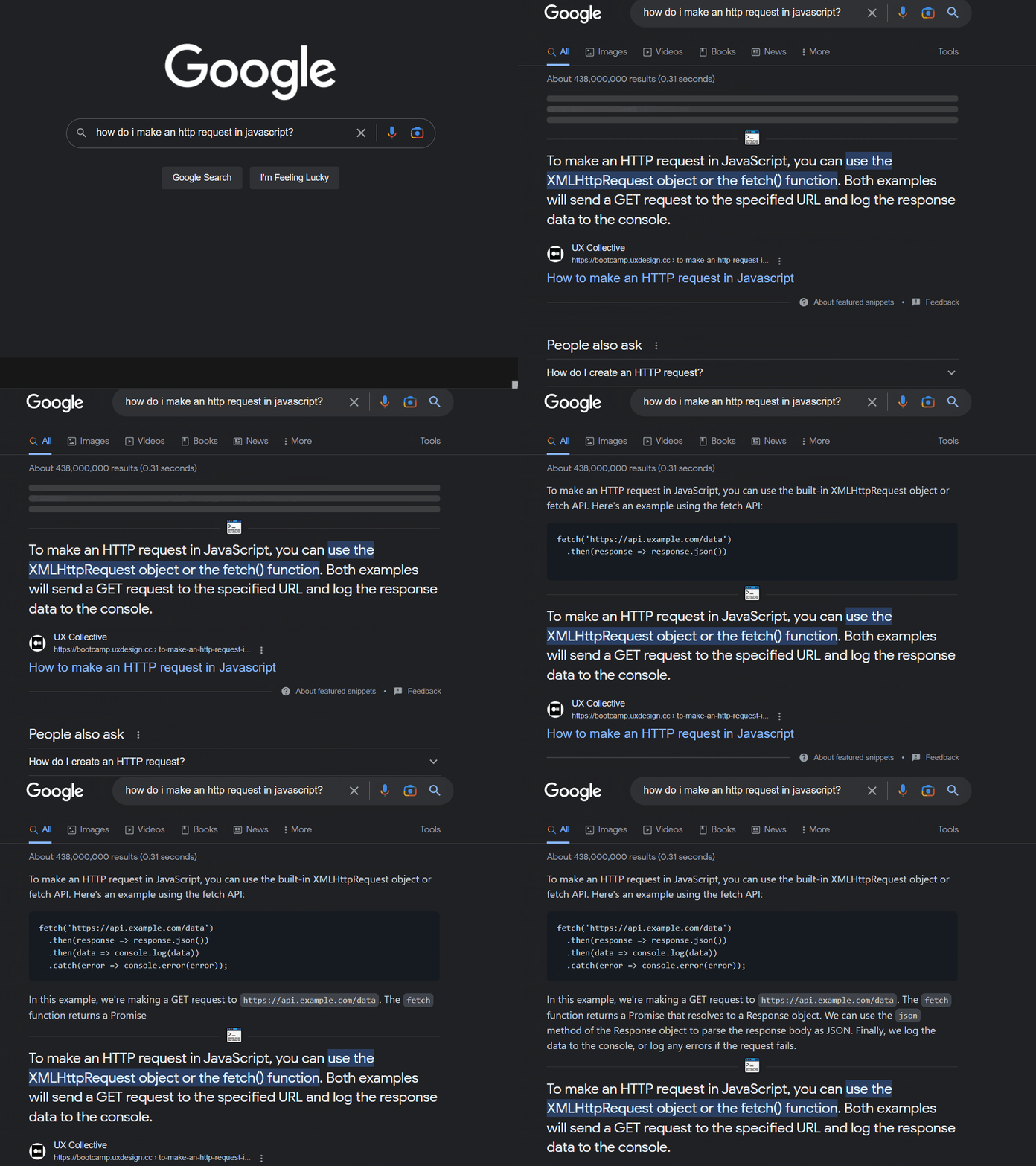
🔍Plugin: Google
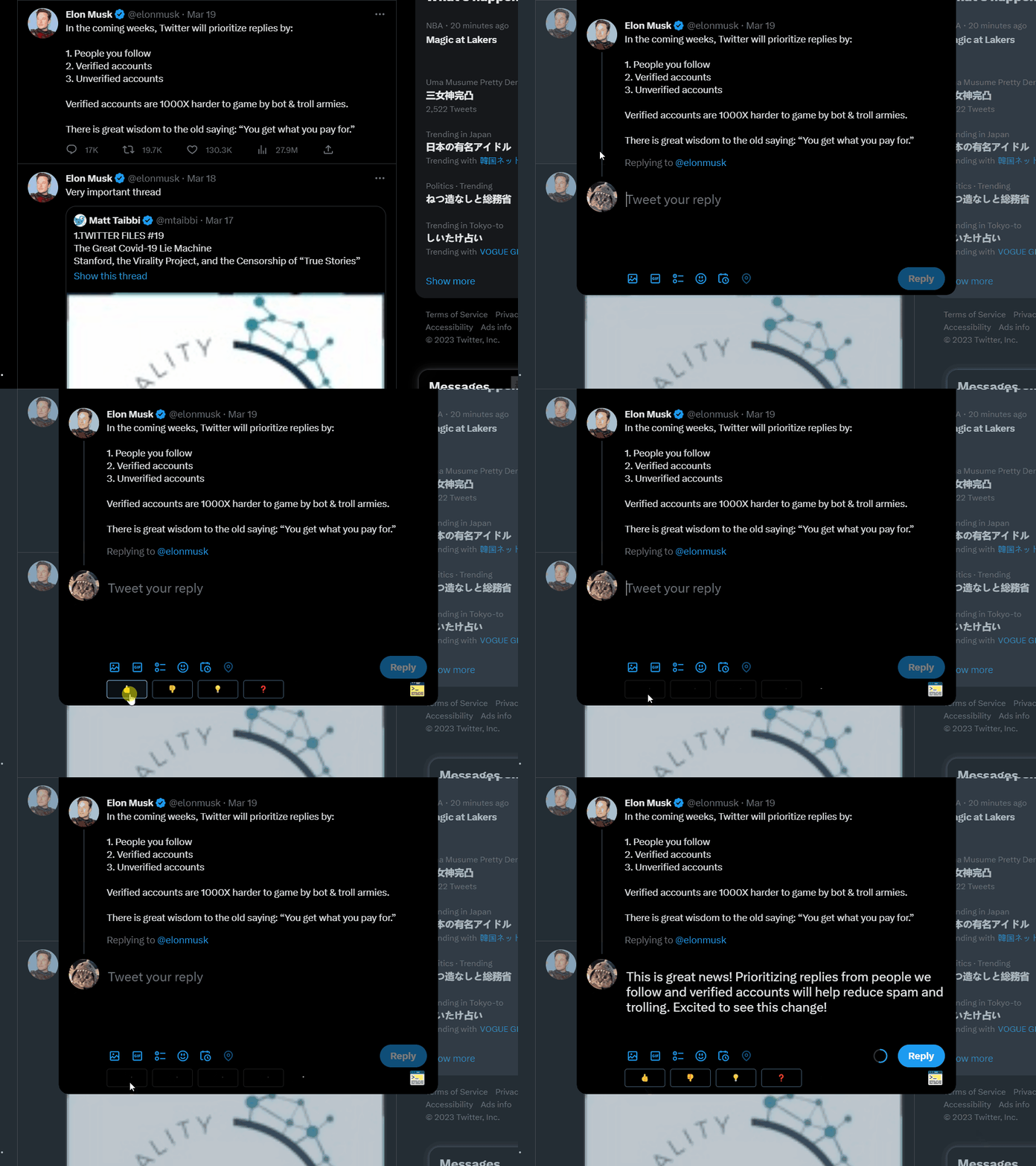
🐦Plugin: Twitter
Product Hunt: https://www.producthunt.com/posts/checkget-ai-smart-assistant-for-gpt-4
Chrome store: https://chrome.google.com/webstore/detail/checkget-ai-smart-assista/flekfdobikapenebblekbdjbgbhlhbni
Official website: https://checkget.com
Would love to hear all your feedback! Thank you! 😊
