First Time Nandbox user — Building My First App in Public
Hey IH community 👋
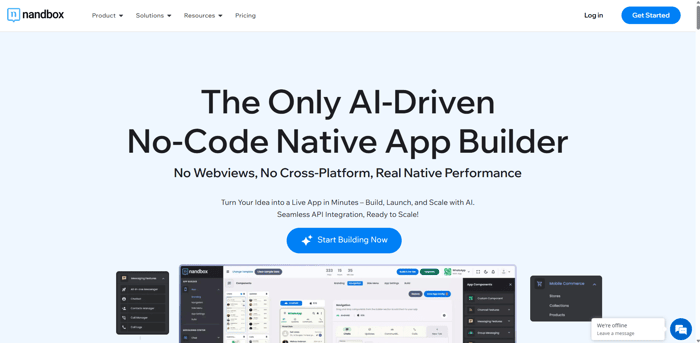
I’m diving headfirst into no-code NATIVE app development for the first time, and I just started using nandbox to build a mobile app. I'm documenting the journey here to stay accountable, learn fast, and share what works (and what doesn’t).
Why nandbox?
-
I wanted a no-code platform that:
-
Let me publish to the App Store & Google Play
-
Has a super easy user interface and actually a NO-CODE interface (because I don't have any coding background)
-
Has a wide set of built-in features
-
Produces fully native apps and not web-based apps or cross-platform
-
Has an AI element in case i get stuck or need automated help
After comparing a few platforms (like Adalo, Glide, and Thunkable), nandbox caught my eye for its “native app” promise and built-in modular features.
First Impressions
✅ Clean dashboard
✅ Lots of ready-to-use modules (chat, bookings, etc.)
✅ Drag-and-drop feels intuitive
⚠️ A bit of a learning curve understanding the configration of the modules
⚠️ Not many tutorials yet for very specific use cases
What I'm Building
I’m working on a community-focused app where people can:
- Join local interest groups
- Chat in real-time (with audio & video call capabilities)
- RSVP to offline meetups
- Share updates/events
- Buy products from their local stores in the community
The MVP goal: Ship something basic in 3 weeks and gather feedback.
Building in Public Goals:
- Share milestone updates + challenges
- Ask for feedback from other no-code founders
If anyone here has used nandbox before, I'd love to hear tips, especially around customization and publishing. Also happy to trade notes with fellow first-timers!
Let’s get this thing going! 🚧📱
