How to capture HTTPS traffic on iPhone — on the device, no desktop proxy
If you build or test mobile apps, you have almost certainly hit this wall: your app calls an API, something breaks, and you have no idea what actually went over the wire. The request might be malformed, the auth token might be missing, or the backend might be returning an error your UI quietly swallows. To debug it properly, you need to capture and inspect the HTTPS traffic your iPhone is sending and receiving.
Traditionally that meant tethering your phone to a computer, running a desktop proxy, and fiddling with certificates and Wi-Fi proxy settings. This guide shows a faster, mobile-first approach: capturing decrypted HTTPS traffic directly on the iPhone itself — no Mac, no jailbreak, and no desktop proxy to configure.

Why HTTPS Traffic Inspection Matters
Nearly all modern app traffic is encrypted with TLS, which is great for security but inconvenient for debugging — you cannot just sniff packets and read them. Being able to decrypt and inspect that traffic on demand unlocks a whole class of problems you would otherwise be guessing at:
- API debugging. See the exact request URL, method, headers, query parameters, and body your app sent, plus the raw response the server returned.
- Authentication issues. Verify that bearer tokens, cookies, and API keys are present, correctly formatted, and not expired.
- Backend troubleshooting. Confirm whether a failing feature is caused by a 4xx/5xx response, an unexpected payload shape, or a timeout.
- QA testing. Reproduce edge cases by mocking responses or rewriting payloads.
- Network analysis. Audit which third-party SDKs are phoning home, how often, and with what data.
The Mobile-First Approach
Moni Proxy runs the proxy on the iPhone itself. Instead of routing traffic to a computer, it uses iOS's native VPN and certificate APIs to capture, decrypt, and render your device's HTTPS traffic locally. Everything happens on-device, and the traffic never leaves your phone.
- No desktop required. No Mac running a proxy, no same-network requirement.
- No jailbreak. It uses supported system VPN profiles and a local certificate authority.
- Less setup. Install, run the certificate wizard once, and start capturing.
- Inspect anywhere. Debug on a real device on cellular, on the train, or in the field.
Step-by-Step Tutorial
1. Install Moni Proxy
Download Moni Proxy from the App Store and open it. On first launch, a one-time wizard installs a local certificate authority (CA) on your device — generated locally, never shared.
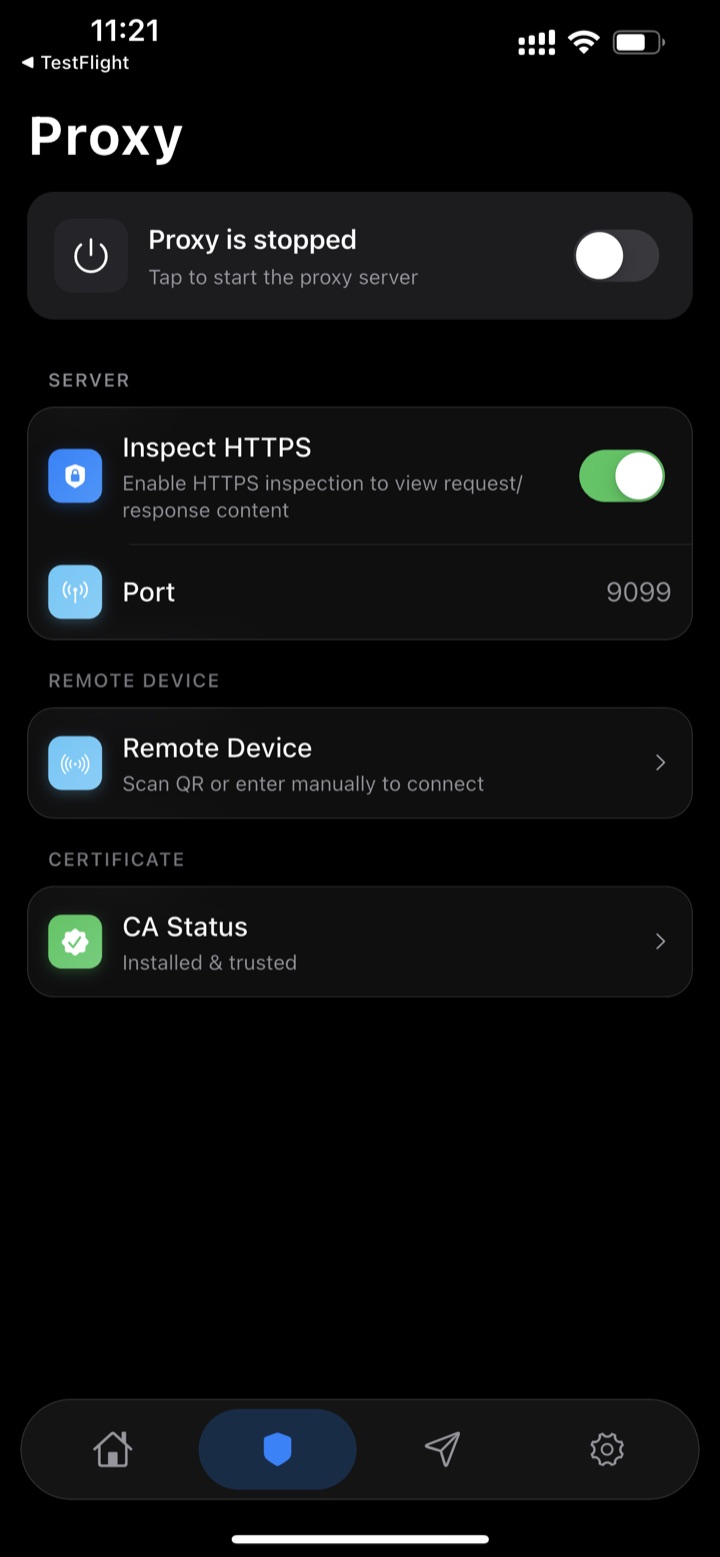
The one-time certificate wizard sets up on-device HTTPS decryption.
2. Start a Capture Session
Tap Start to begin capturing. Moni Proxy spins up a local proxy and routes your device traffic through it using a system VPN profile.
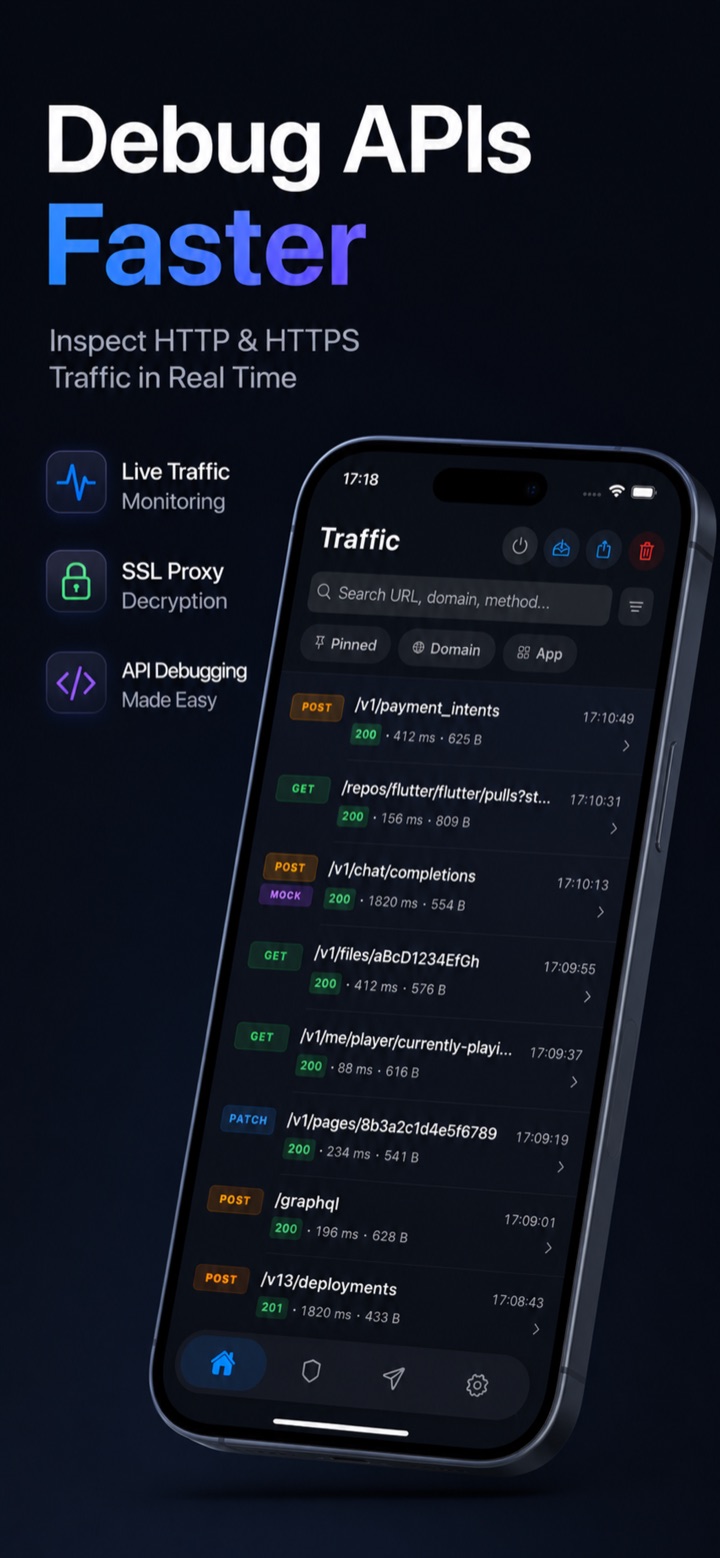
Tap Start to begin recording your device's HTTPS traffic.
3. Generate Traffic
Switch to the app you want to debug and use it normally — log in, refresh, submit a form. Each network call is intercepted in real time. Works for any stack (URLSession, Alamofire, a Flutter HTTP client, or a React Native fetch).
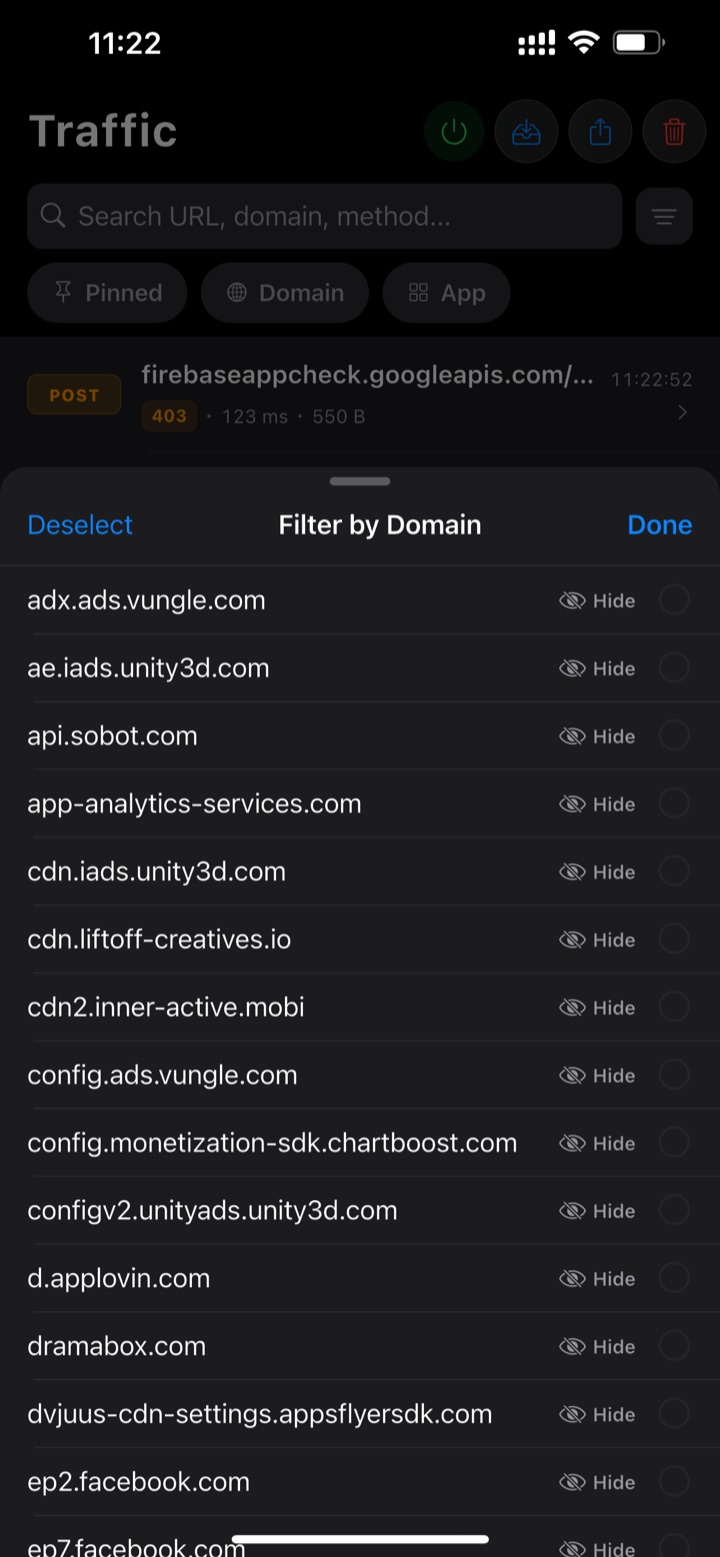
Requests stream into the list, grouped by domain.
4. Inspect Requests
Tap any entry to see the full URL, method, status code, headers, query parameters, and request body — syntax-highlighted for JSON. This is where most API bugs reveal themselves: a missing Authorization header, a wrong content type, or a malformed payload.
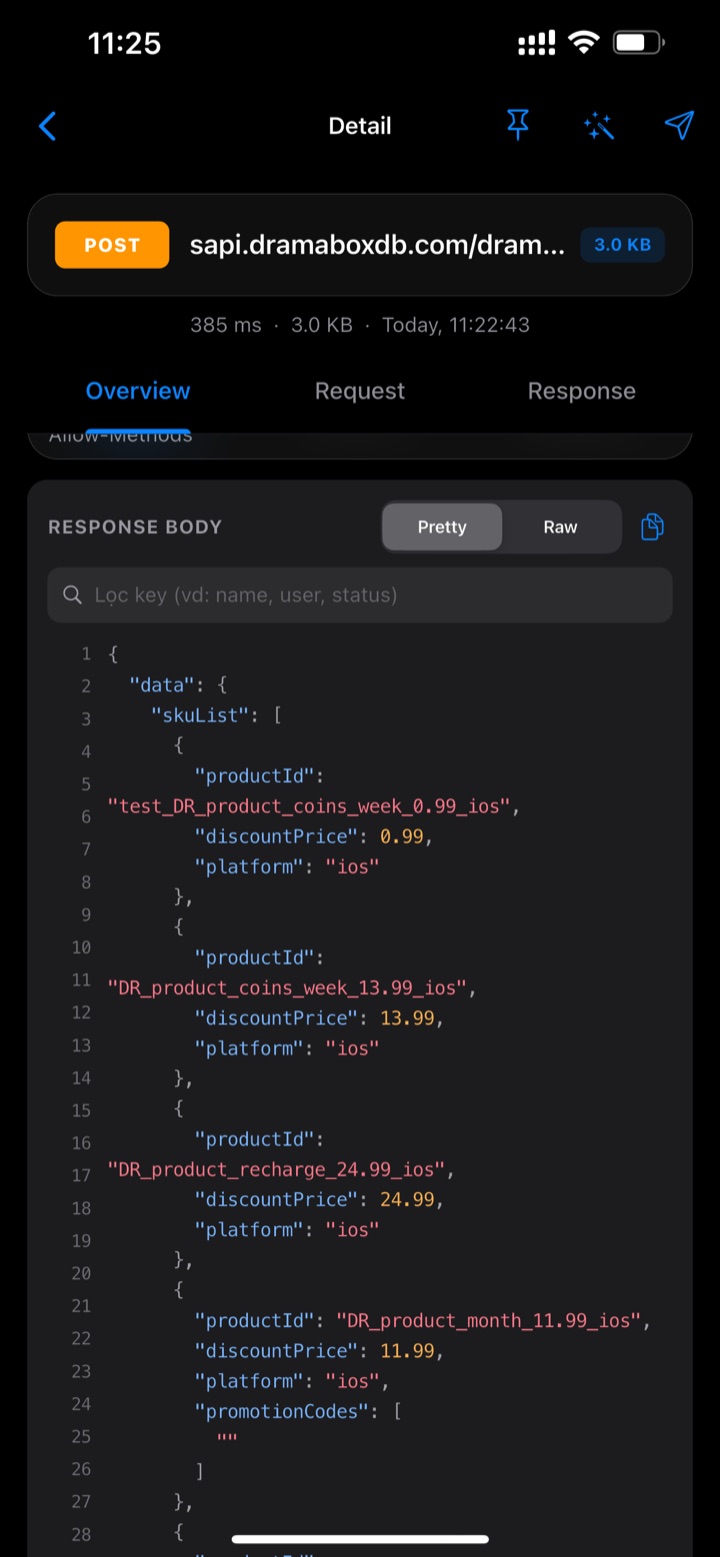
Inspect the exact request your app sent, down to each header.
5. Inspect Responses
Switch to the response tab for the status line, response headers, timing, and the decrypted response body. Pretty-printed JSON makes it easy to confirm whether the bug is on the backend.
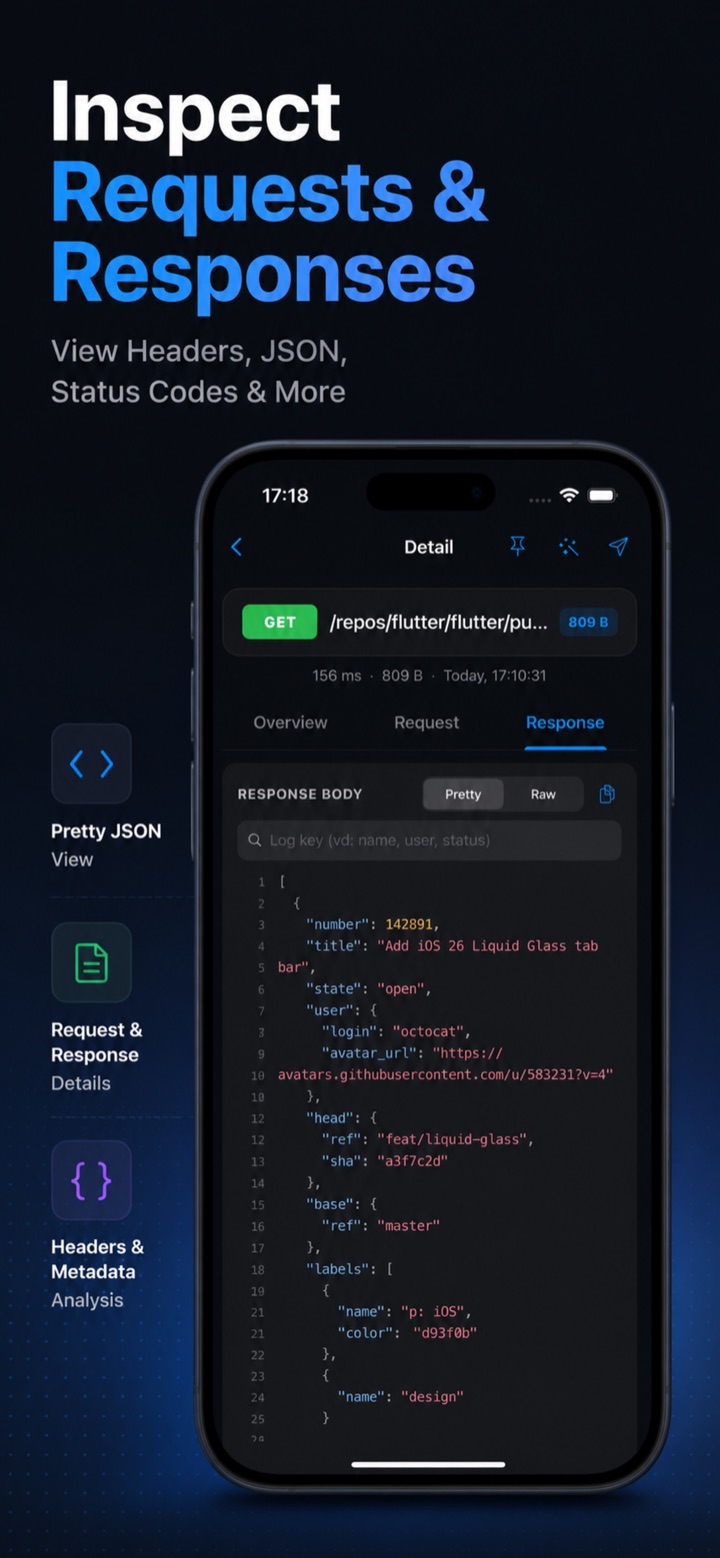
Read the decrypted response body exactly as the server sent it.
6. Debug APIs
Beyond read-only inspection, you can mock a response, rewrite headers or body fields on the fly, or replay a captured request after editing it. Reproduce an error state, test how the UI handles a 500, or simulate an empty list — all without touching the backend.
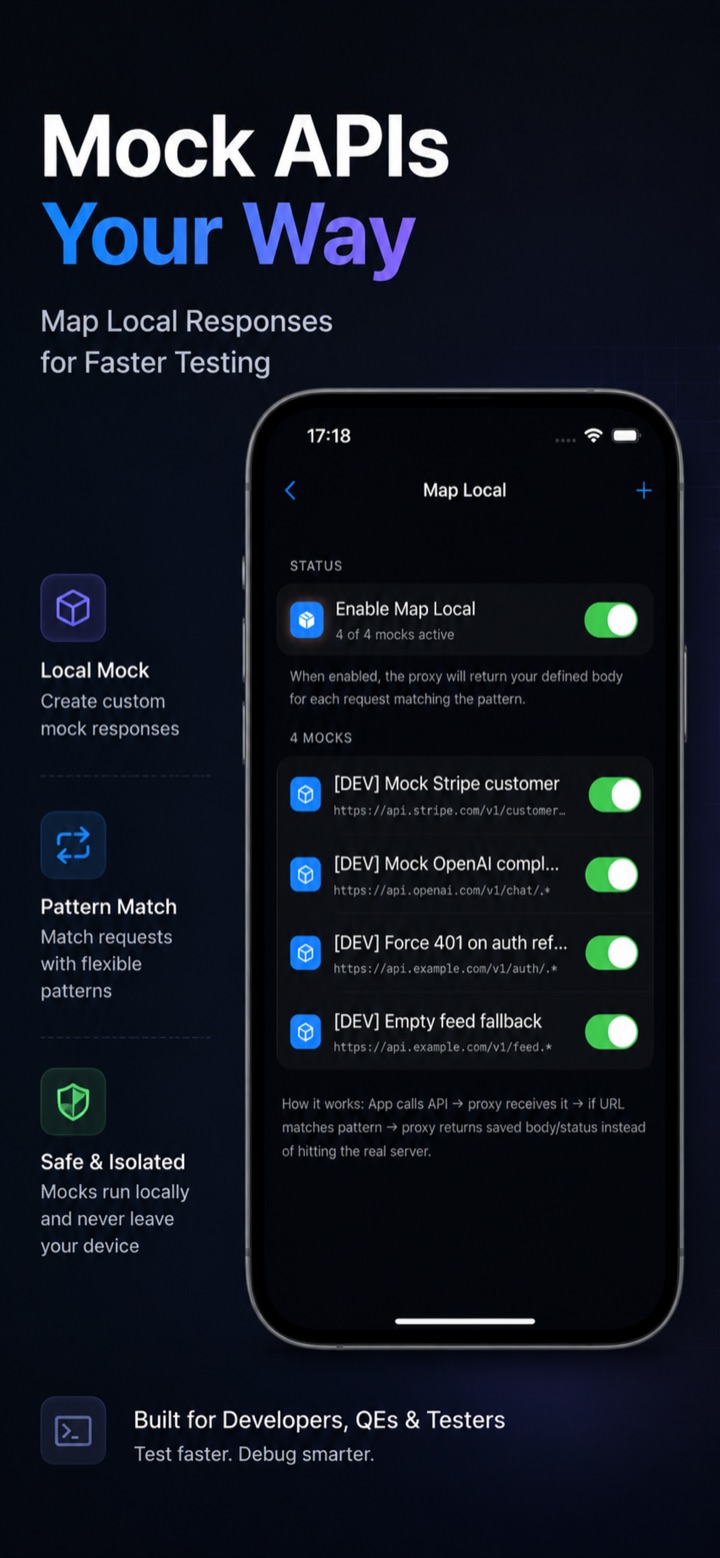
Map Local returns custom mock responses for matching requests.
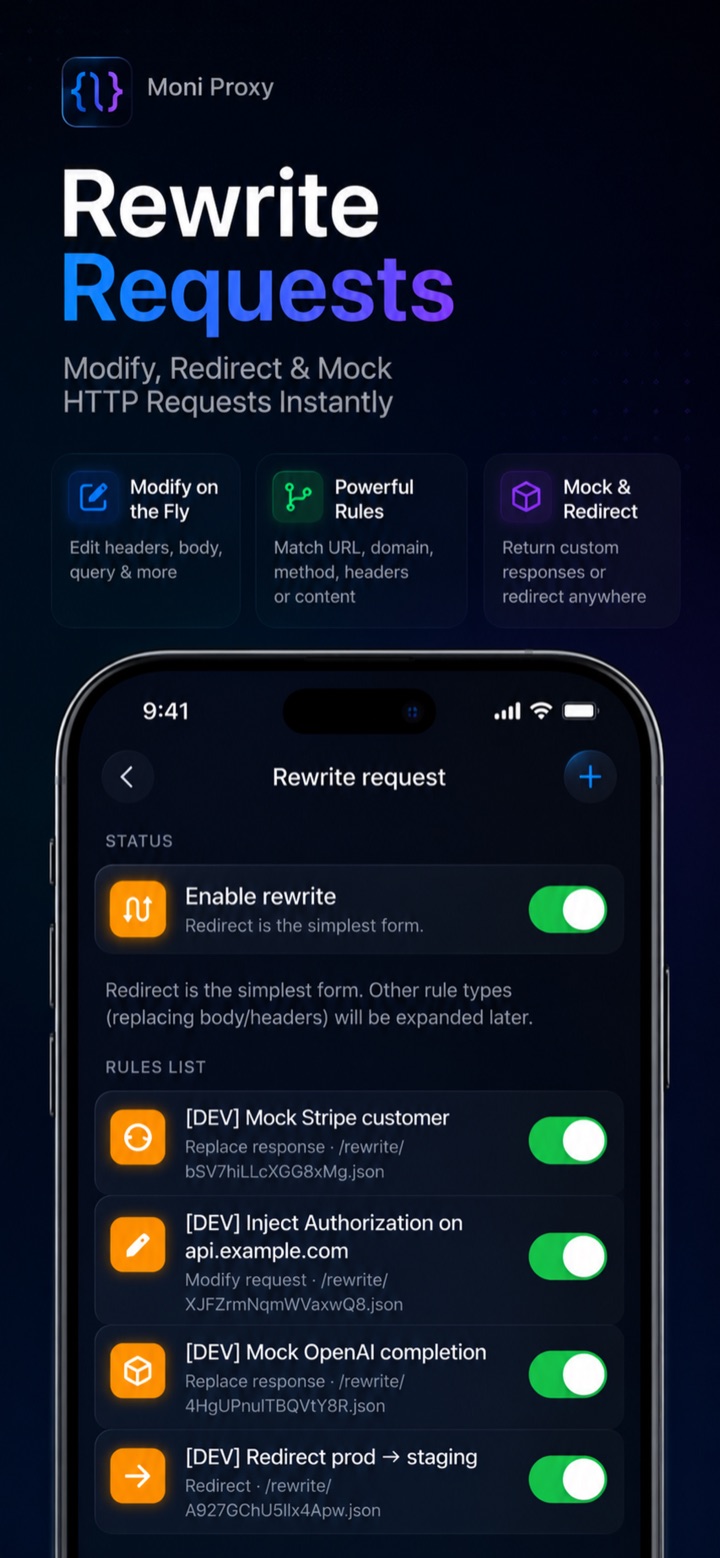
Rewrite rules modify headers and body fields on the fly, then replay.
Common Issues
- Bodies are unreadable. The certificate is installed but not trusted. Go to Settings → General → About → Certificate Trust Settings and toggle full trust on.
- A specific app's traffic is missing. Some apps use certificate pinning, which rejects any certificate other than the developer's. That's a security feature, not a bug.
- Nothing is captured. Confirm the capture session is running and the VPN profile is enabled (iOS shows a small VPN indicator in the status bar).
Conclusion
A mobile-first workflow removes the desktop proxy, the Wi-Fi configuration, and the same-network requirement — leaving a fast loop of capture, inspect, and mock that works wherever your bug actually happens.
Moni Proxy is free to try on iPhone, Android & macOS → moniproxy.com

What stood out to me wasn't the HTTPS capture itself.
It was the possibility that a lot of the frustration people describe as a tooling problem is actually a willingness-to-debug problem.
Removing friction can make those look like the same thing.
Sometimes they are.
Sometimes they're not.
That's the part I'd be most curious about.