How to get free .gov backlinks from supplier directories in 6 steps
Some government supplier directories publish a public profile with your business website. When the website field is a normal clickable link, the profile can give you a free .gov backlink.
The link only counts if your business is eligible for the directory and the profile is visible without a login. SAM.gov says a full entity registration is for organisations that want to bid on federal contracts or apply for federal assistance. If you only need a Unique Entity ID, SAM.gov says to request the ID without completing a full registration.
This guide shows how to find legitimate supplier profiles, complete the right fields, and verify the final link.
Use Distribb to research and track backlink opportunities alongside the pages you publish.

The six checks in the original article
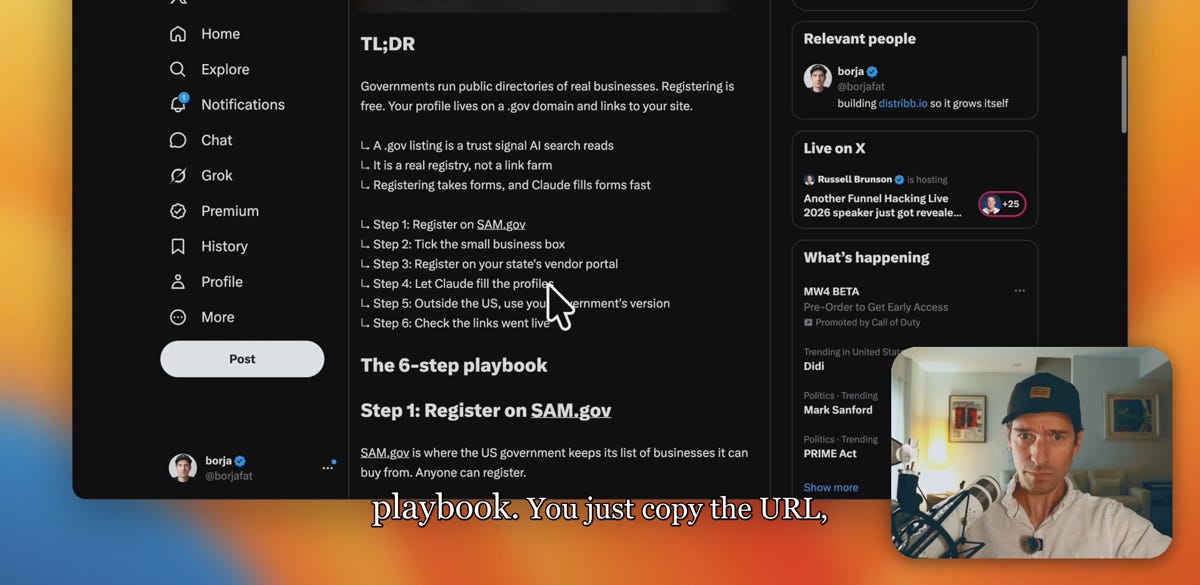
The X article starts with SAM.gov, the SBA small-business profile, a state supplier portal, consistent business details, an equivalent directory outside the US, and a final check that the public link works.
That sequence is useful once the eligibility rules come first. A supplier directory exists to help public buyers find real suppliers. Use accurate business details and do not certify anything you cannot support.
Step 1: check whether the registry fits your business
Open the directory's eligibility page before creating an account. Confirm that your business can sell in that market and that you intend to make the business visible to government buyers.
SAM.gov draws a clear line. A full registration is for organisations that want to bid on federal contracts or apply for federal assistance. An organisation that only needs a Unique Entity ID can request the ID without completing the full registration.
Use the directory for its stated procurement purpose. Do not use a backlink as a reason to submit a false certification or choose a business category that does not fit.
Step 2: use the free SAM.gov route that matches your purpose
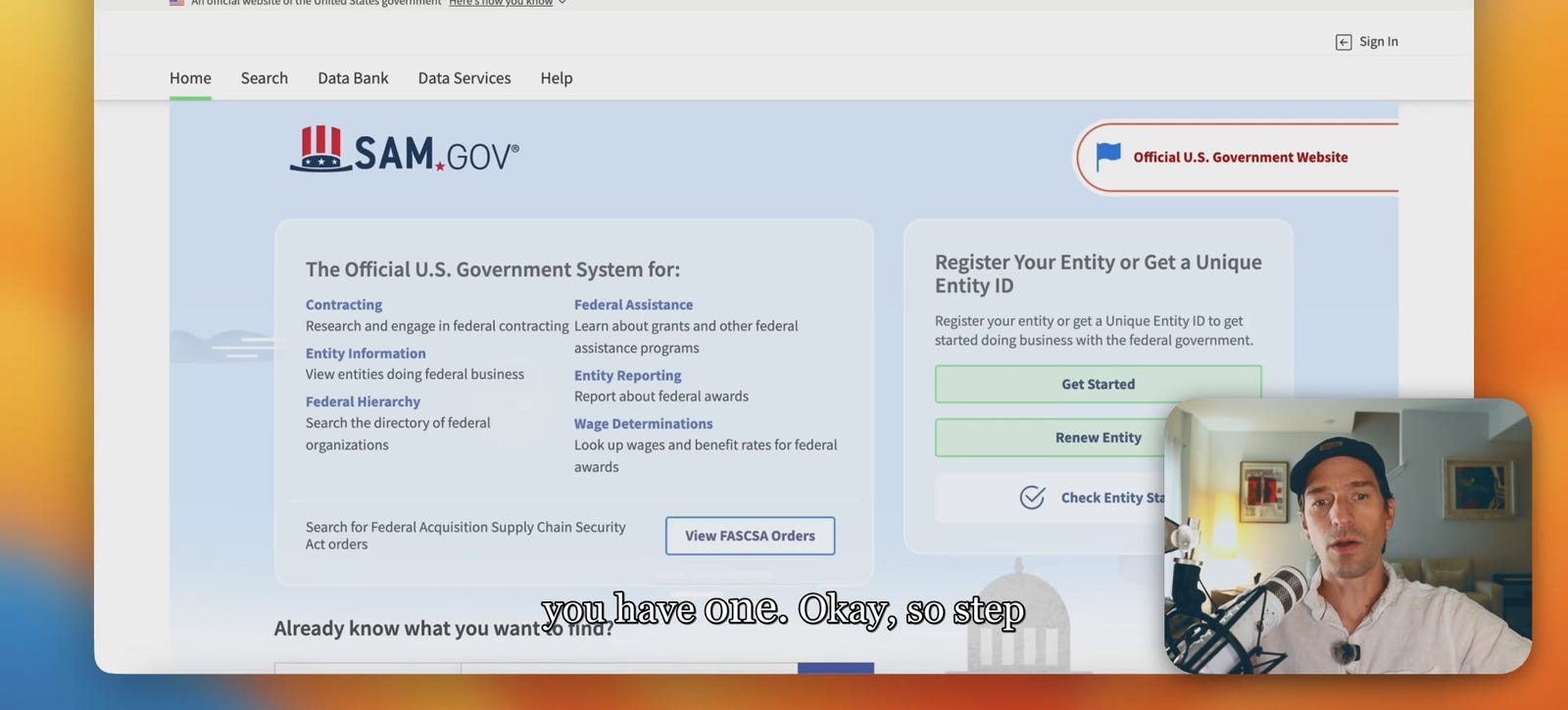
SAM.gov's registration guide gives two routes: register the entity for federal awards, or request a Unique Entity ID only.
SAM.gov is free. Its current entity checklist says there is no charge to get a Unique Entity ID, register an entity, or maintain the registration. The same guide says a registration can take up to 10 business days to become active and must be renewed every 365 days.
Use the official site and ignore companies that charge for the registration itself. A paid adviser may sell help, but the government registration has no fee.
Step 3: check the SBA Small Business Search profile
The US Small Business Administration says its Small Business Search is a database that government agencies use to find small business contractors. Small businesses can also use it to find possible partners.
If your business is eligible, complete the small-business profile connected to your SAM.gov information. Add the real website, services, location, and business description where the form asks for them.
Then open the public result. Check whether the website appears as a clickable link. A completed registration should not be counted as a backlink until that public page and link can be verified.
Step 4: check state and local supplier directories
State and local portals have their own rules. Search the official government domain for supplier registration, then read the eligibility and visibility pages before signing up.
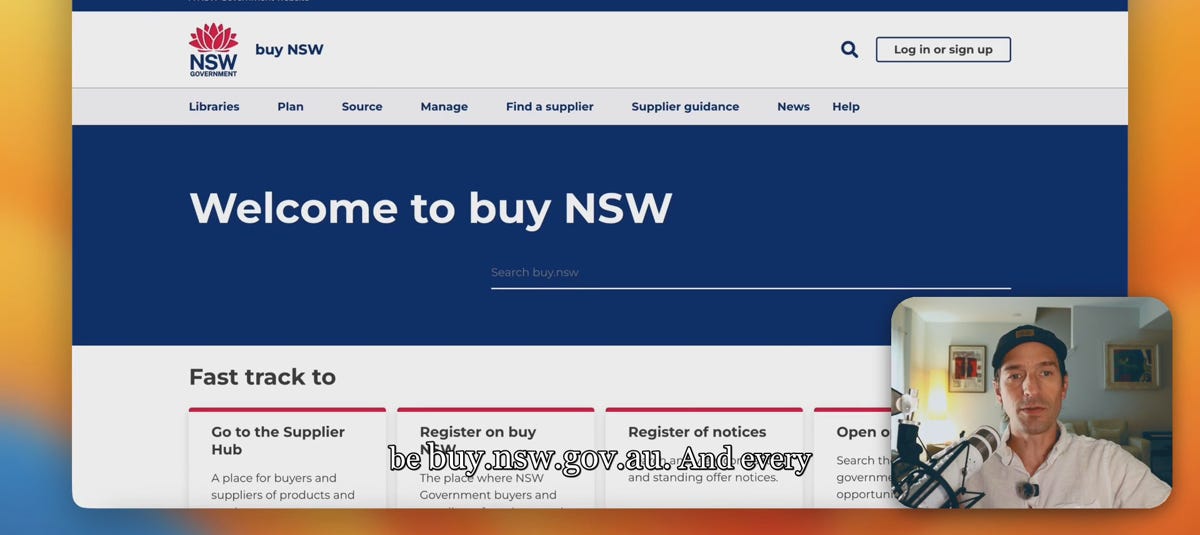
buy NSW is a concrete example. The supplier hub says registered suppliers can create profiles that buyers find in its supplier list. Its current help page says suppliers need an Australian Business Number and that registration is mandatory for suppliers that actively sell to the NSW Government or respond to advertised opportunities.
Other directories may hide profile details behind a buyer login, remove website links, or publish only a supplier name. Check the live public result before adding the directory to your backlink sheet.
Step 5: enter accurate business details
Keep the legal business name, trading name, website, address, and service description consistent with the records the directory requests. A mismatch can delay validation or leave the wrong website on the final profile.
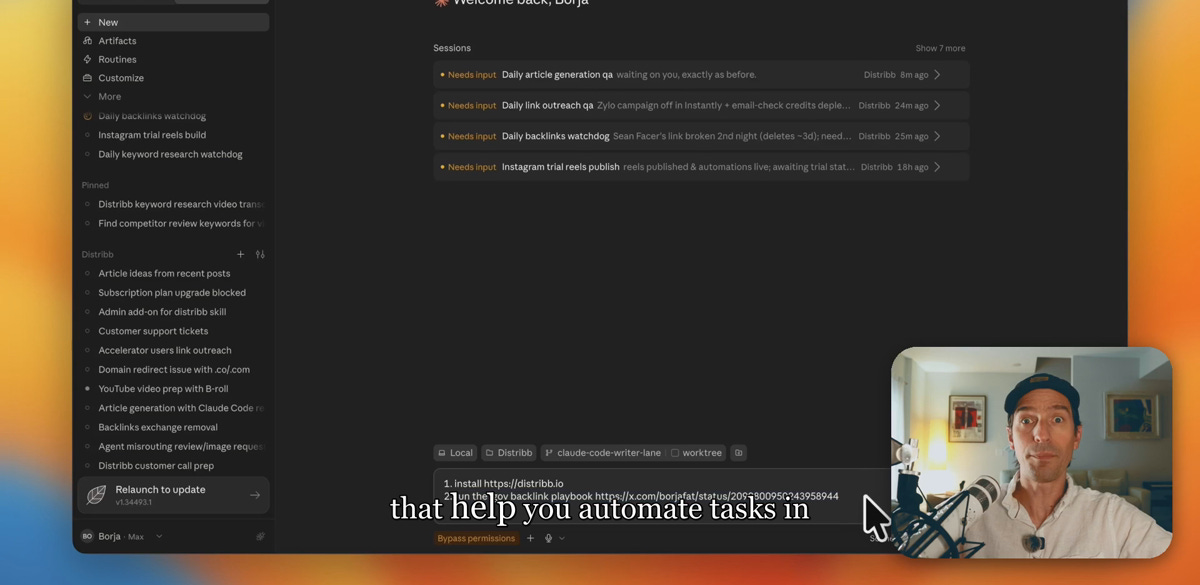
Claude or another browser agent can organise public business facts and draft a description in the directory's format. Review every field before submission, especially representations, certifications, eligibility statements, and legal names. The business owner should make those decisions.
Step 6: verify the public page and website link
Open the final supplier profile while logged out. Confirm that the page loads without a buyer account and that the business website is correct.
Click the website link. Google says a crawlable link normally uses an HTML anchor element with an href attribute. A website shown as plain text, an image without a link, or a field hidden behind a login should not be counted as a verified backlink.
Record the public profile URL, destination URL, directory name, approval date, and last check date. Recheck the profile when the registration renews or the business website changes.
What a .gov backlink can and cannot do
Google uses links as one signal for discovery and relevance, and its ranking systems use many other page-level and site-level signals. Google does not publish a special ranking guarantee for links from .gov domains.
A legitimate supplier profile can help a government buyer find the business and can give search engines another path to the website when the link is crawlable. It does not guarantee a ranking, an AI citation, or a fixed traffic increase.
Track the link like any other backlink. Check that it stays public, sends the right visitor to the right page, and sits on a profile your business is entitled to maintain.
Frequently asked questions
How do I get a free .gov backlink for my business?
Register with a government supplier directory that your business is eligible to join, complete its public website field, and verify the published profile. Not every directory publishes a public page or a crawlable link. Count the backlink only after the live page opens without a login and the website link works.
Is SAM.gov registration free?
Yes. SAM.gov says there is no charge to get a Unique Entity ID, register an entity, or maintain the registration. Use the official SAM.gov site, and choose either full registration for federal awards or the Unique Entity ID only route that matches your purpose.
Does a SAM.gov registration create a public backlink?
Do not assume that a completed SAM.gov registration creates an SEO backlink. Eligible small businesses can also maintain a profile in the SBA Small Business Search, which agencies use to find contractors. Open the public result and confirm that it exposes the correct website as a clickable link before counting it.
Do .gov backlinks automatically improve Google rankings?
No. Google says links can help it discover pages and understand relevance, but its ranking systems use many signals. A .gov domain does not create a published ranking guarantee, so measure the link's visibility, referral visits, indexing, and later search performance.
Can I register on SAM.gov if I do not want government contracts?
SAM.gov says full registration is for organisations that want to bid on federal contracts or apply for federal assistance. If your organisation only needs a Unique Entity ID, use the ID-only route. Do not complete a full registration solely to obtain a link.
Which government supplier directory should I use outside the US?
Use the official national, state, or regional procurement directory for a market where your business is eligible to sell. buy NSW is one verified example with a public supplier list and a registration process for suppliers. Read the local eligibility, business-identifier, and profile-visibility rules before creating an account.
Which legitimate supplier directory can your company join and keep current this week?
Use Distribb to research, track, and manage the rest of your backlink work.
