Related Products Feature for Your Store
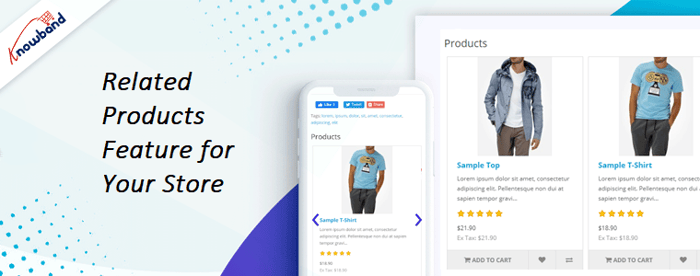
The Related Product feature helps in the display of different products at different locations on the site. Using this feature, the sales of the store will be increased. This happens because when customers buy, they see related products on various pages of the site. When the customer likes any product shown in the module block then he might add it to the cart.
The admin controls the display of the product. Moreover, the products which are not sold will get displayed in front of customers to catch their eyes.
What are Related Products?
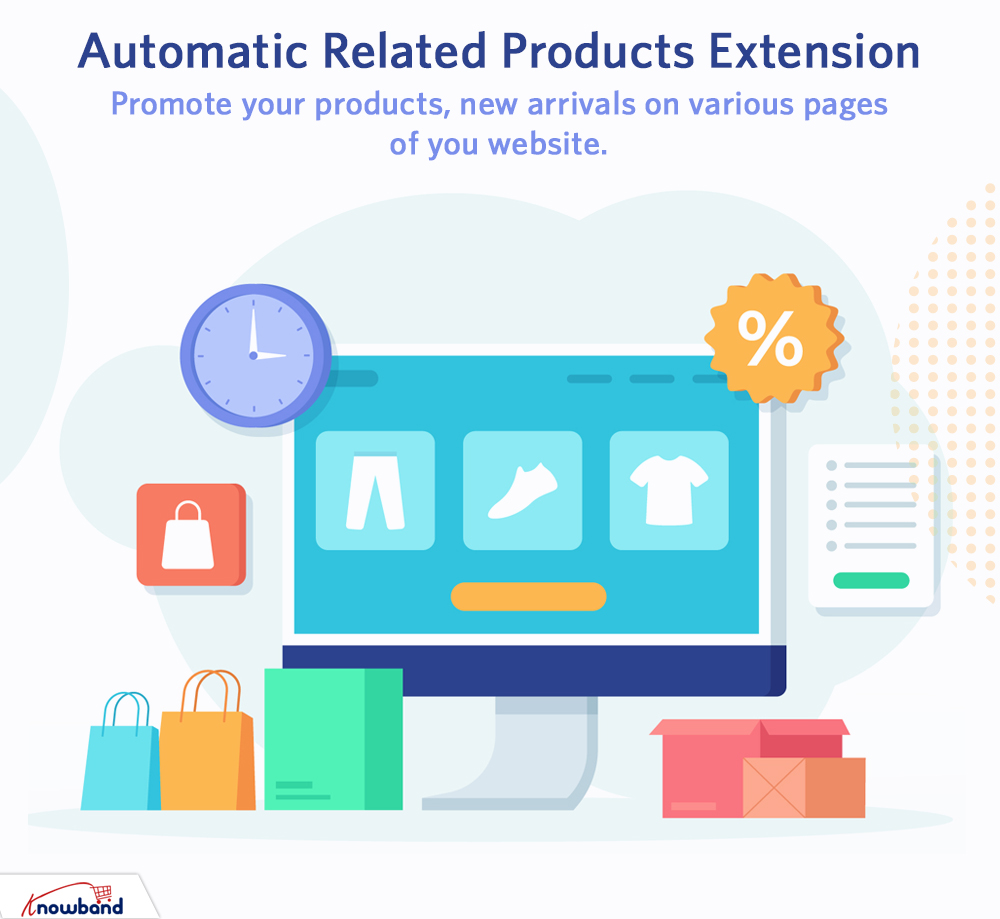
The Related product is the item on display that is similar to the main product. The store admin can also display the related product in different places on the site. The store owner shows those products in the module block on which they want the buyers to focus. So, by displaying a related product on the site, the store admin can get increase the growth of sales and increases conversion. This is a great integration for online stores as it promotes the cross-selling of products.
Core functionalities of Related Products
We now have the basic idea of the related product module. Now let's discuss the main features that are present in the module.
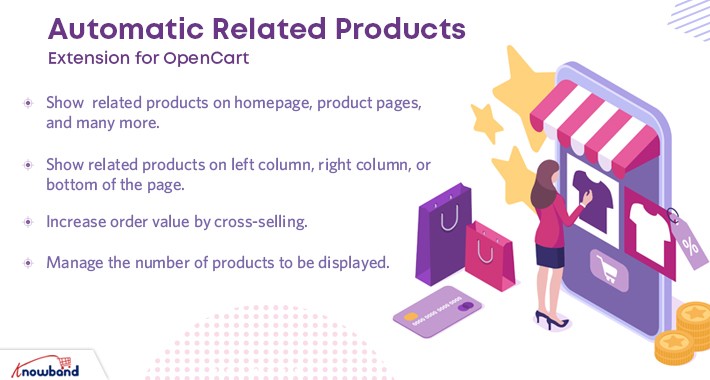
- Using Automatic Related Product extension, the store merchant controls the related products on the website. The core functionalities of this module are as follows:
- The related product module tab is visible on the various pages of the website.
- The eCommerce merchant has a choice to display the products which are out of stock in this related product module.
- The eCommerce admin enables/disables the module block title. This title can be set up in various languages by the store admin.
- Related products are visible on various parts of the page.
- By selecting the method of display for the related product, the store admin can control the products in the module block.
- For some pages, attribute and keyword filters are present.
- The number of related products appearing on different pages can be set.
- The priority for the display of related products is set up by the eCommerce store admin.
- This module is mobile responsive and SSL compatible.
- The module provides multi-store and numerous language support.
Why does Your Store Needs a Related Product feature?
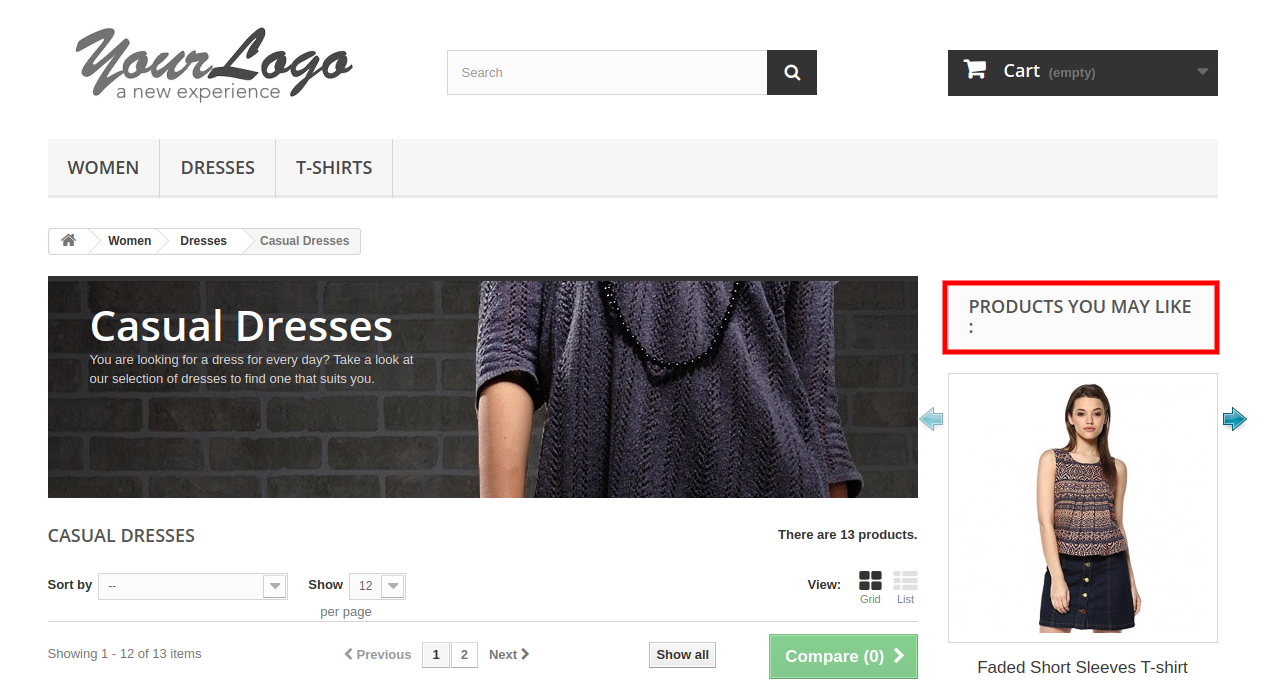
This related product feature is a very important integration to the online sites. This module helps to increase sales as the customers see different products while they browse or make a purchase.
The store owner displays the products on which he wants the customers to focus. Moreover, this extension helps the store merchant to see the products easily which are not as popular. This also improves the overall revenue of the eCommerce website.
How does Related Product Plugin Works?
The related product module helps online buyers to see different products when they visit the online store. The related product will be shown to end-users on different pages of the site with the help of this extension. When someone visits the site and sees the product, they will notice the related products too. Therefore, these products are sometimes the same and sometimes just an accessory to the main product.
So, by using this extension store owner shows different options to the online buyers which they can buy from the online store.
How to Implement Related Products in Your Store?
For implementing the module on the website, the admin needs to download the module and unzip the zipped file.
Paste the entire content to the "Modules" folder of the store directory or follow the path Root Directory/modules.
Installation of the module by admin has the following path - Store Admin -> Modules and Services.
After this, the admin has to click on the install button and the module installation starts.
Shortly after this, a confirmation pop-up will appear. Then after proceeding the same module installation will be complete.
After this, the admin user can configure the module for the eCommerce website from the backend.
The Related Product Extension has the following benefits:
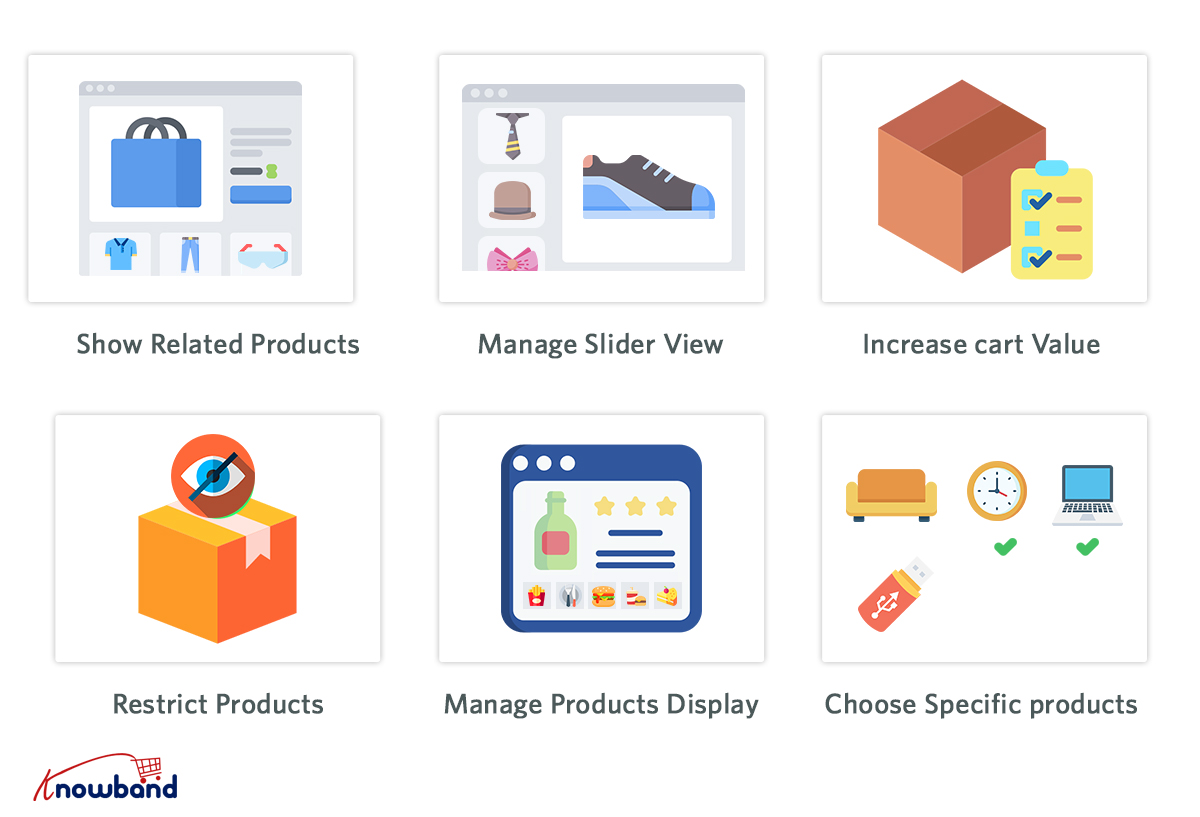
- The average cart value of the customer increases.
- Sales increase as the customers see different products on different screens.
- The extension block is visible at different locations on the page.
- A related product module hides the out-of-stock products.
- The product is visible according to the priority set by the store owner. Admin can also use various methods to display these products.
- The store owner sets the greatest number of visible related products.
- In the store, the admin can also promote new products by showing them in the related products block.
- This extension increases users' engagement and thereby reduces the bounce rate.
- The customers see the product on which the admin wants them to focus.
Knowband provides this feature for all the major CMS platforms like Prestashop, Opencart, and Magento.

All the best on your launch, Knowband!