Visual content kit (tools + guides) for Twitter
3.10 sec (avg reading time)
Hi all, I'm a UX designer who loves unique and striking visuals and their ability to tell stories and share ideas. I also enjoy curating and collecting tools from the edges of the internet. Some of them are tools for specific things, and others are re-purposed to use in unorthodox ways.
Problem:
Maker's want to share more visual content but get bogged down with the urge to present them professionally.
Why:
Because they either A. they lack the design skill to present visuals in the way they imagine them. or B. they have design skills but not a system that creates flow (by bridging learning's-ideas-creation)
Insight:
To do A and B requires time (in this context) = patience + iteration
Solution:
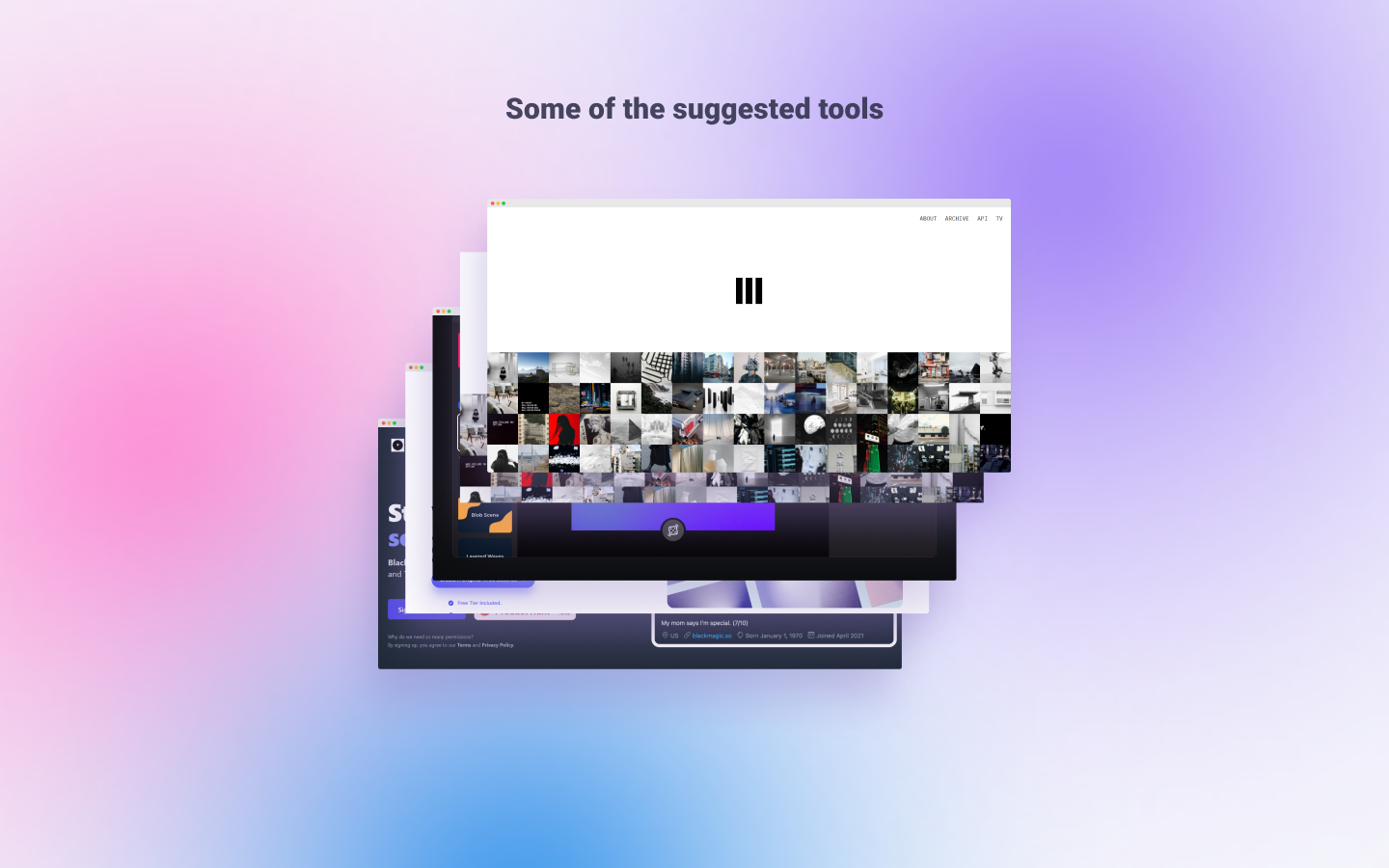
The visual maker's kit. The product acts as a guided workbook accompanied by flexible pre-built templates, allowing you to use it with your specific content. I also provide a database of suggested no-code tools and other SaaS products to speed up your visual creation process.
Disclaimer:
One thing I have to make clear, at first, this was all a selfish act. The original kit was just for helping me. I found that I wanted to post more value on Twitter + differentiate myself and needed a process to combine with the web-based tools and frameworks I had collected or made. Most of the tools were for designing, automation and, inspiration.
I've spent most of my time being complacent and struggled with creating even whilst understanding the importance of consistently sharing my ideas to develop expertise.
Why visual content on Twitter?
-
I like Twitter as a platform, and the communities I resonate with the most seem to spend a lot of time on the platform
-
Visual content statistically creates the most engagement (Video & Images)
-
The kit would go off the rails if I made the "CONTENT Maker's kit" (too much to cover). I needed some constraints to finish the product, and it couldn't be all things to all content people.
Why a kit?
Because the "Kit" format made it a product the user could reference, follow step-by-step or remix, I wanted users to have that flexibility as I understood that we all vary in how we learn and want to create.
The thought process behind making:
My goal at first was to understand my interests and curiosities of the digital landscape as clearly as possible. The idea was to create motivation for content creation. So I built templates and a process through research (I'm already very process-driven)
Over the past two years, I have collected many unique and helpful tools (many are open source) for making visual content that made it easier for non-designers to make custom visuals with a level of quality they wanted. The tools were also great for designers helping them fill in blindspots in their processes. Overall, many of the tools were suitable for saving time. Ahhh, time, I'd like to think you haven't wasted your's reading this far in.
Here is the thing's I DIDN'T want from Twitter (more like fears that ran through my mind):
-To be on Twitter all-day
-To be inconsistent in posting
-To create content I was uninspired by for the sake of being consistent
-To regularly create content similar to others within my community
here are some things I DID want from Twitter:
-To connect with others that resonate with my offering, topics or delivery
-To build consistency of my message and curiosities
-To help others where possible
If good content is the vehicle for iterated ideas, good visual content provides the nitro for understanding. I know it's important to share ideas to learn, gain an audience that resonates and last but not least, getting feedback on the "things" you create.
What's inside? 📦
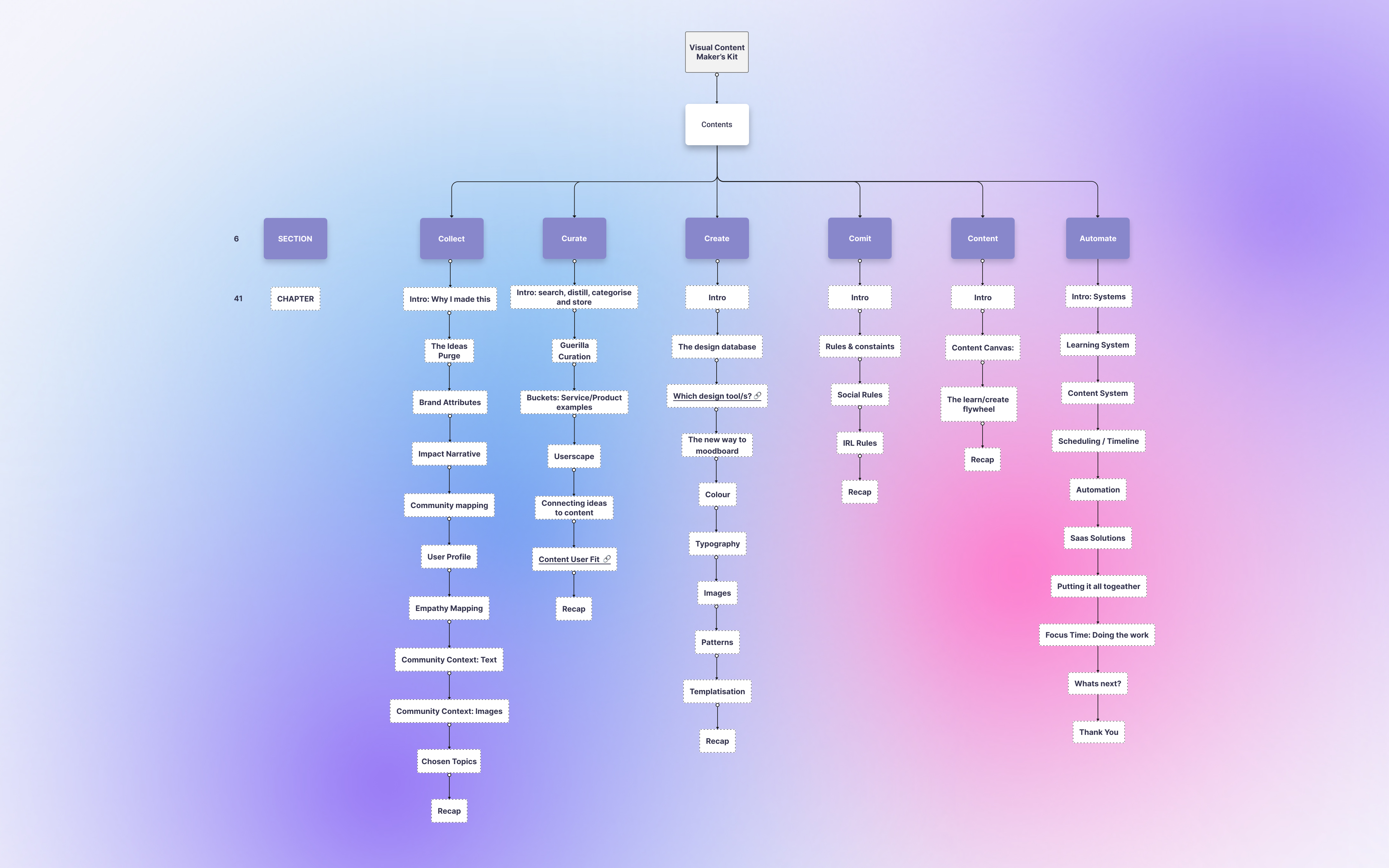
⭐ 20 processes for visual content creation on Twitter (PDF/Figma/)
⭐ 50 suggested tools and links for visual content creation (PDF/Figma)
⭐ Visual inspiration list (PDF/Figma - links included)
⭐ Step by step checklist for repeatable content creation (PDF/Figma)
⭐ 10 Automation suggestions for repeatable tasks (PDF/Figma)
⭐ Free lifetime updates
Thanks for your time. I'm open to feedback and questions, so let me know your thoughts. The learning never stops.
You can sign up for the Pre-order.

This sounds super interesting. Is this still available? :) The link takes me to a 404.
Hi!
I'm relaunching the product early this year.
If you send me your email through my Twitter account, I'll send you the current version.
What part of this product is most interesting to you?